Add by QR Code
How to Connect a Gateway
Add a Gateway by Scanning with a Mobile Phone
First download the mobile app: LM Things App download.
- Add a gateway
Scan the QR code on the gateway label to quickly add the gateway to the user's ThingsIoT account. Gateway information can be edited after the gateway is added.
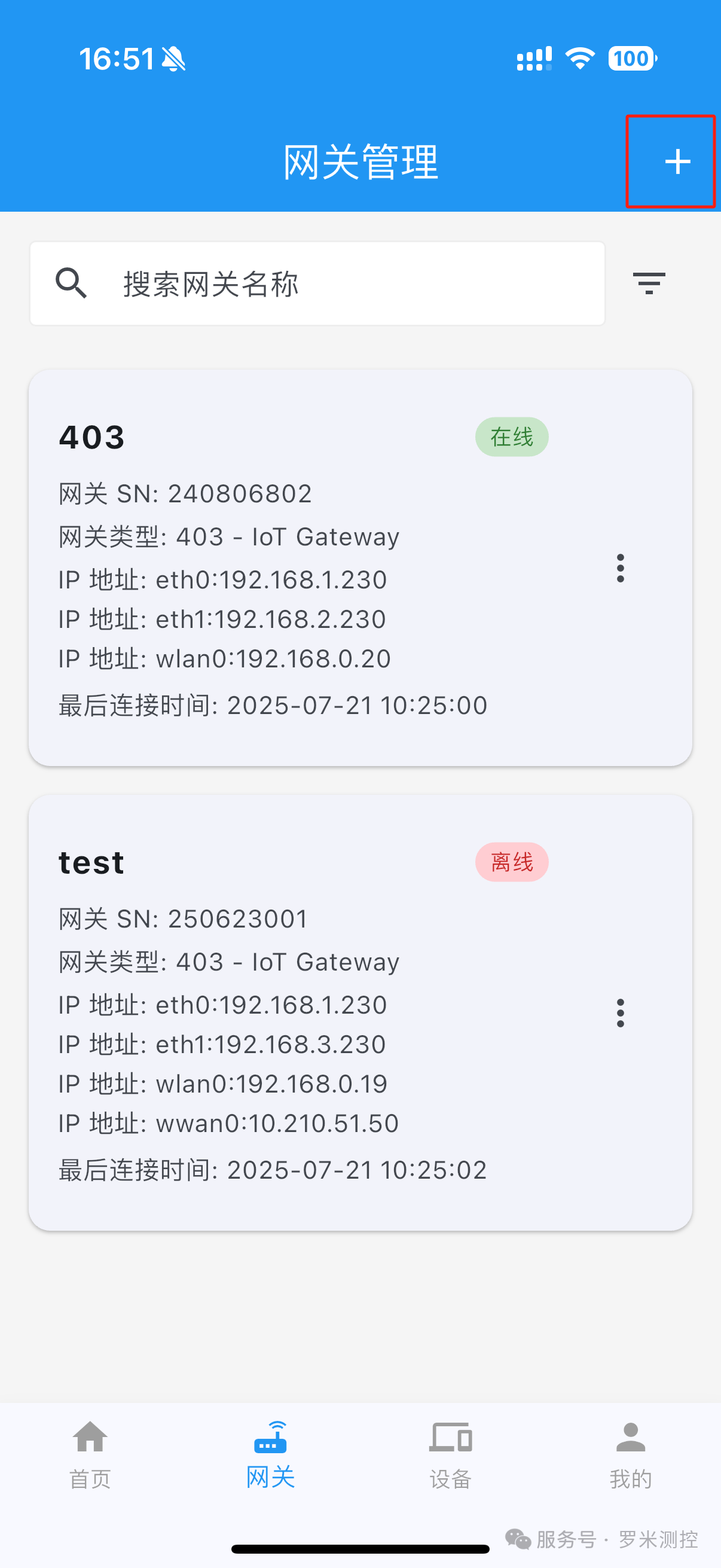
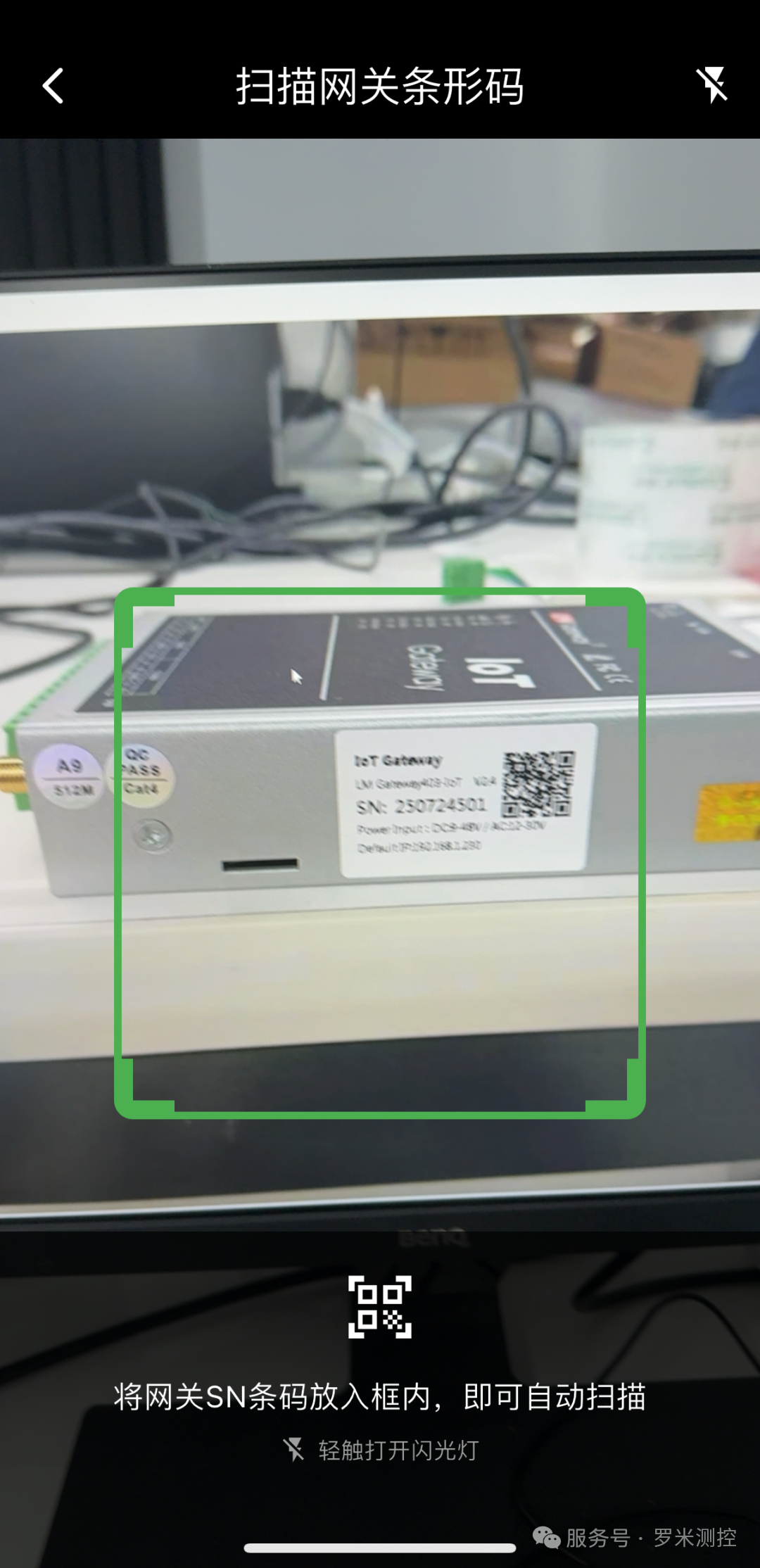
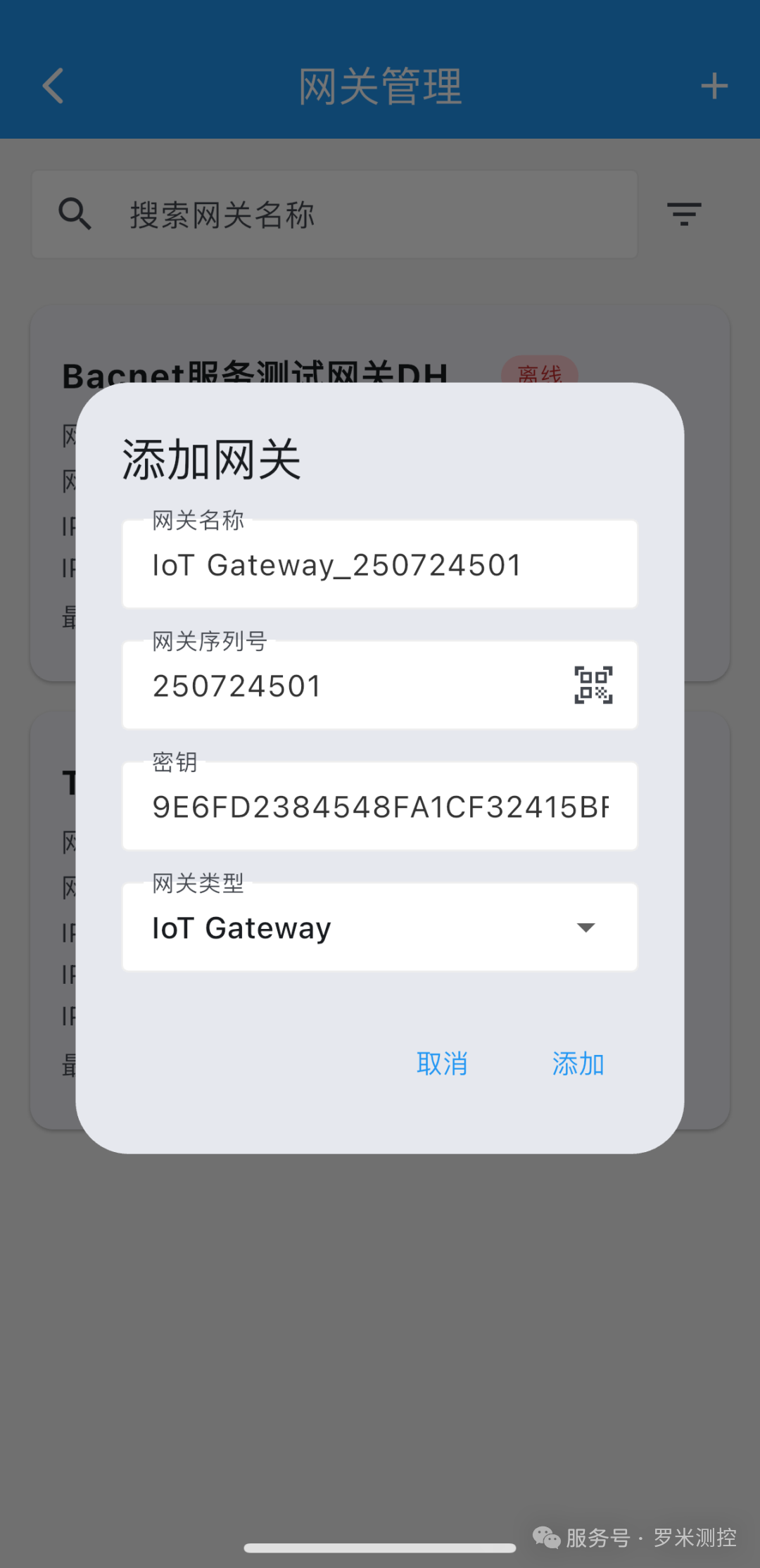
Figure 13. Adding a gateway by scanning its QR code in the mobile app
Mobile-app feature documentation: LM ThingsIoT Cloud Service App Optimization and Upgrade